
This article will help you download and install Slack and Sign up for an account with slack.
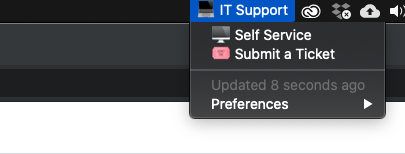
- Open Self Service on your computer by going to the IT Support icon in the top toolbar
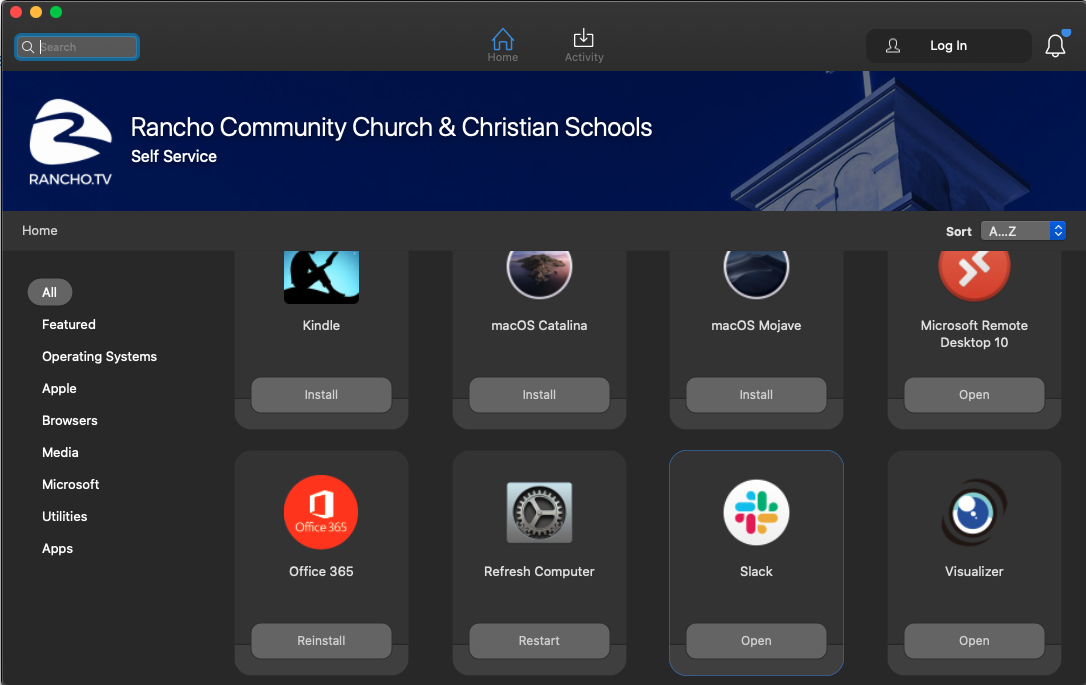
- Find Slack in the Catalog and Click Install
- Open Slack and Click "Get Started"

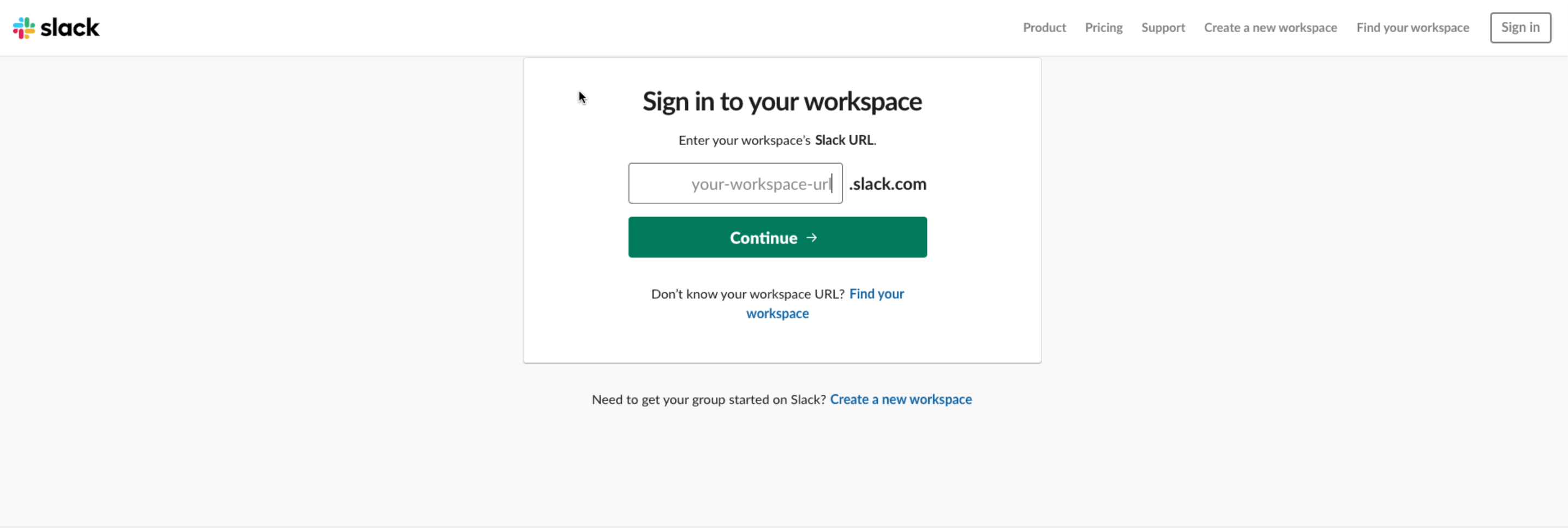
- On the sign in to your workspace page enter ranchohq as the workspace url and click continue.
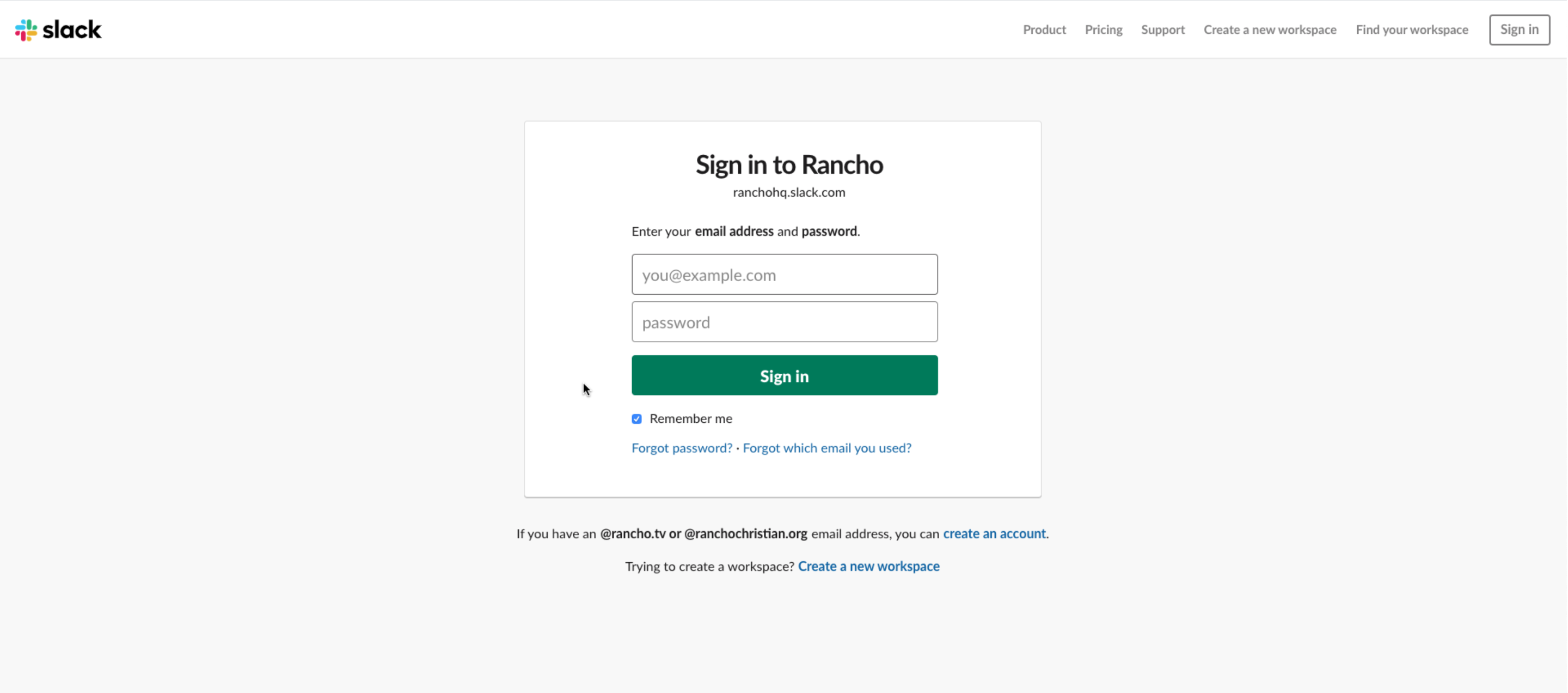
- If you don't have an account click create an account if you already have a Slack account with your Rancho email enter that on the Sign In page.
- Use the Magic link in the email sent to you to sign in to slack.
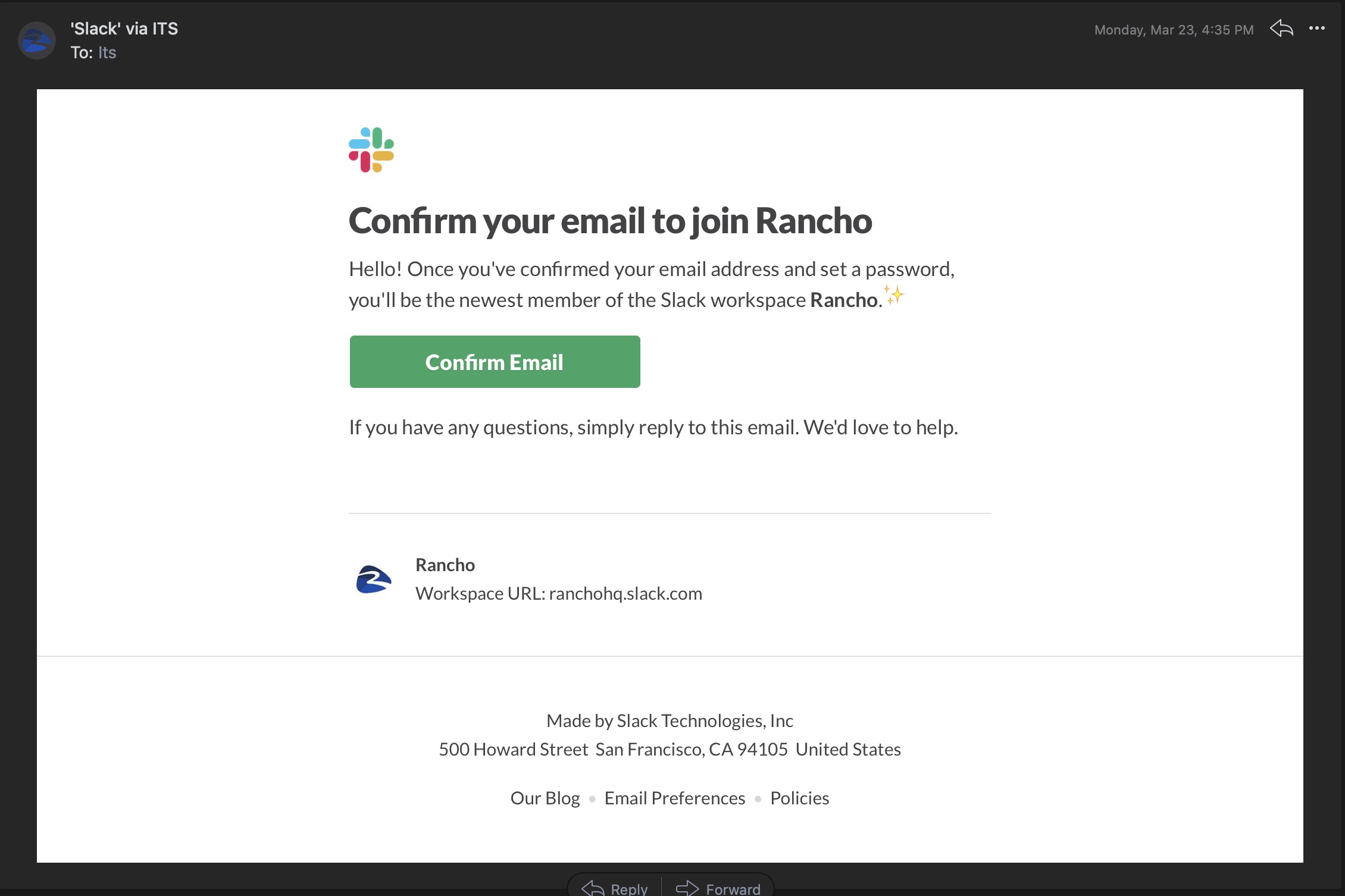
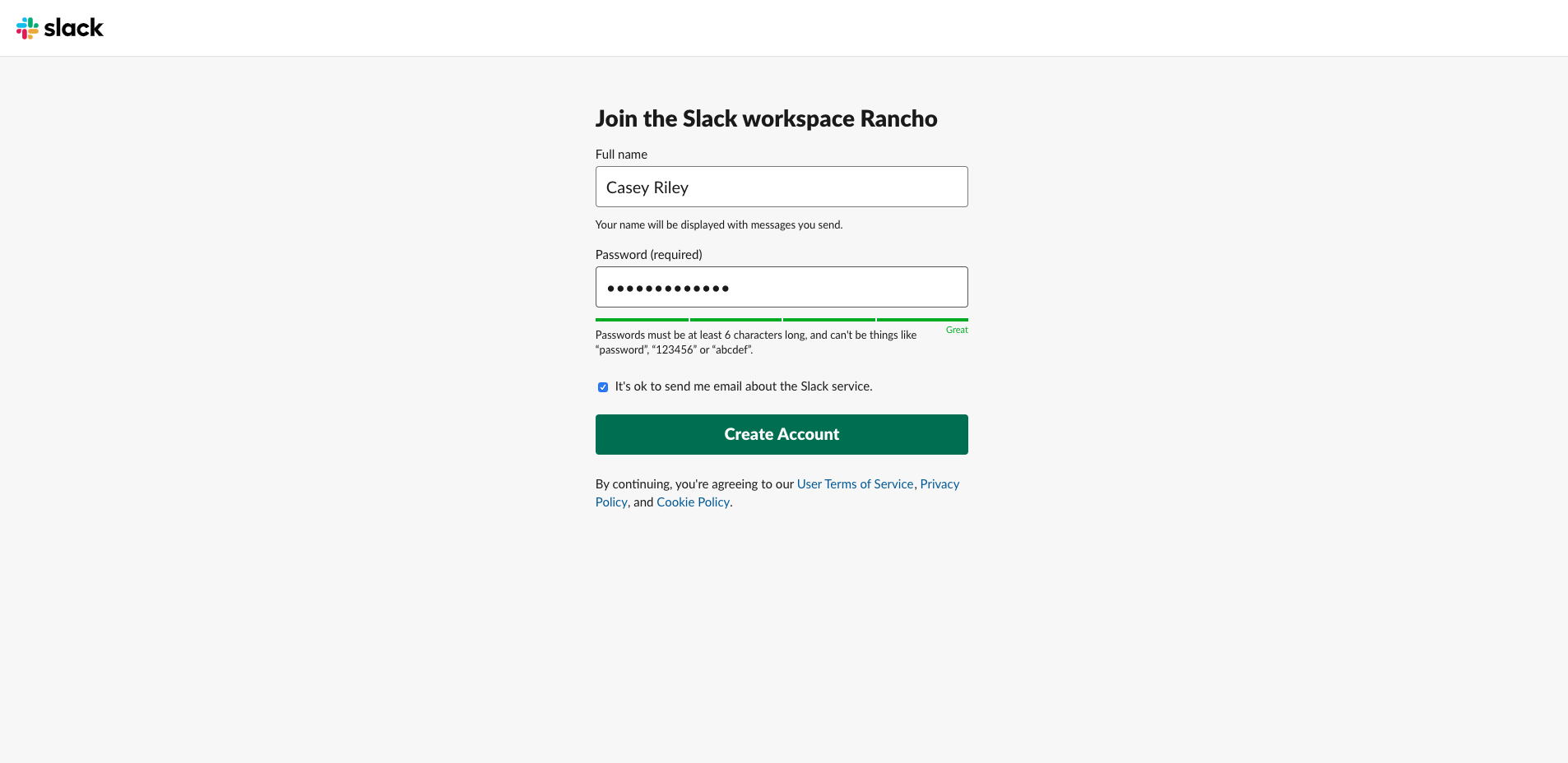
- Thats it enter your name and create a password
Super awesome YouTube Video showing the same thing
Comments
0 comments
Please sign in to leave a comment.